

Description
Download Draw Glow Cartoon APK – draw cartoon, coloring app, glow brushes, drawing tutorial, free art app, fun drawing activity, learn to draw
Overview
Draw Glow Cartoon APK is a free Android application designed to provide an engaging and creative outlet for users interested in drawing and coloring. The app focuses on helping users develop their artistic skills through guided drawing tutorials and interactive tools. Its primary purpose is to offer a relaxing, enjoyable experience for both children and adults, making it ideal for casual users seeking a creative pastime. The app supports the creation of vibrant, stylized drawings using unique features like glow brushes, which add a luminous effect to artwork. It includes a library of cartoon and comic-style images that users can trace or practice drawing from, making it accessible even for beginners. The inclusion of step-by-step drawing instructions ensures that users can follow along easily, regardless of their skill level. This makes the app particularly useful for those who want to learn the basics of drawing in a low-pressure environment. While the developer did not provide detailed background information, the app’s focus on accessibility and fun suggests it targets users looking for a simple, enjoyable way to explore art without requiring prior experience.
Key Features & Capabilities
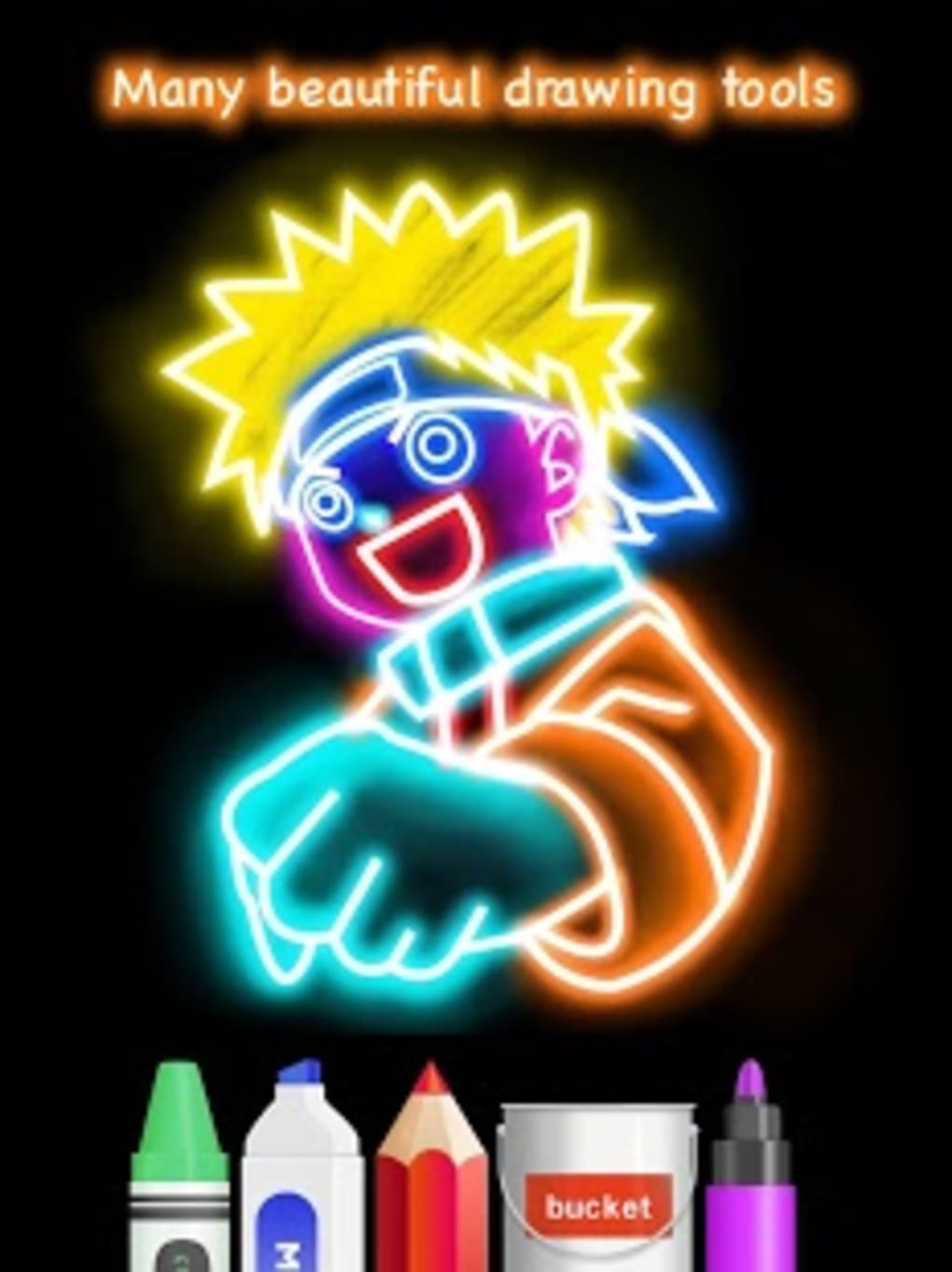
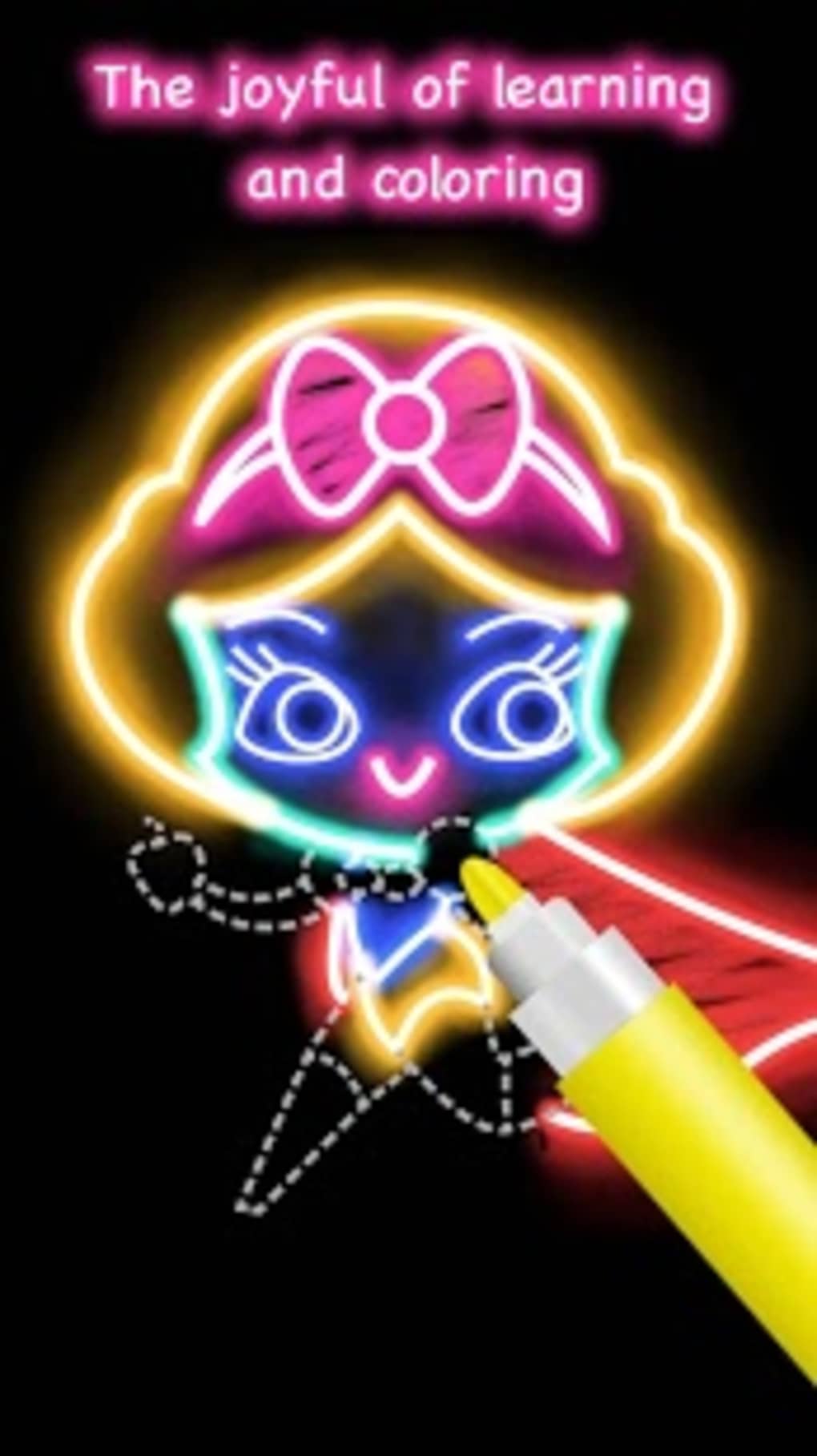
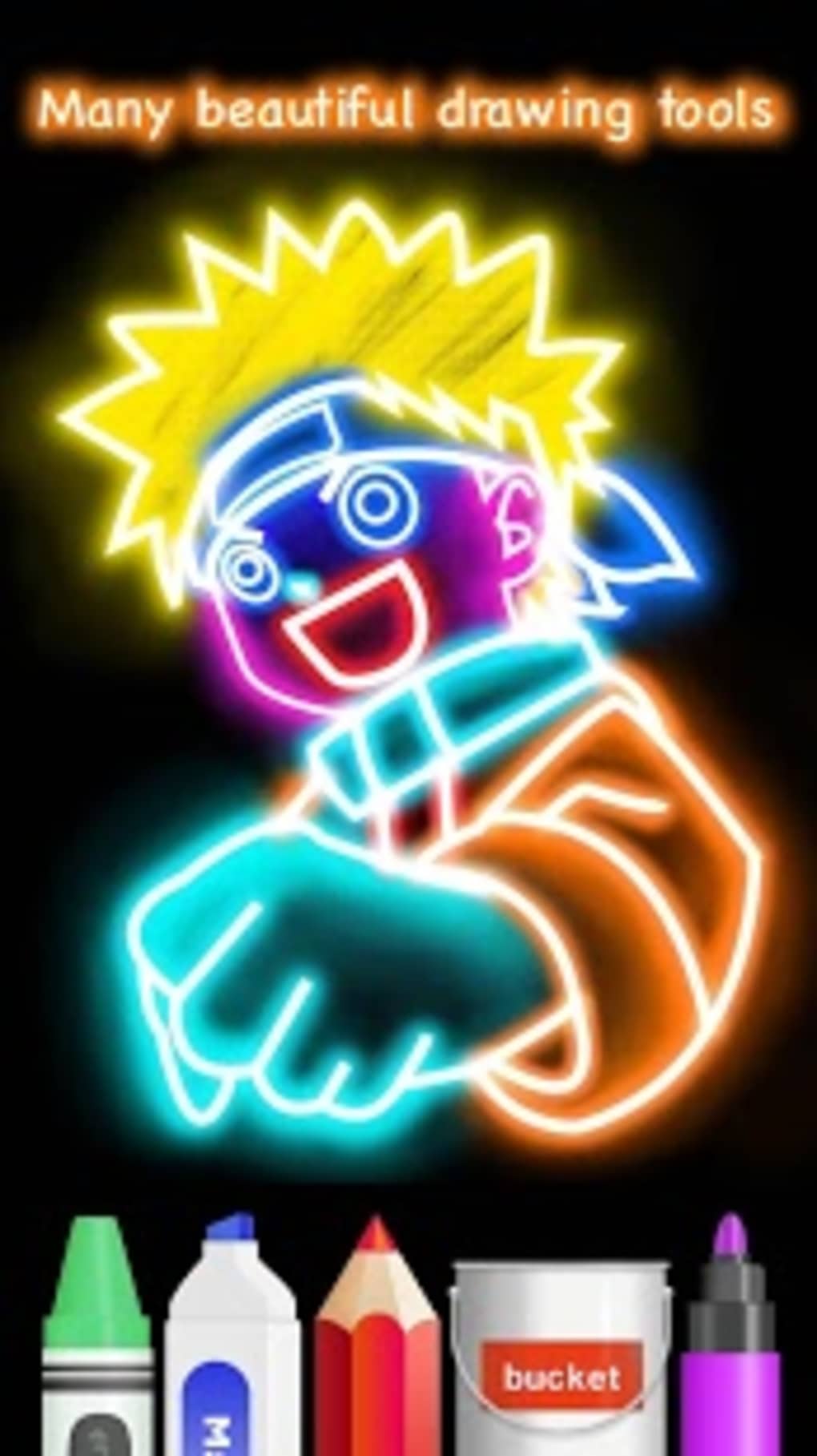
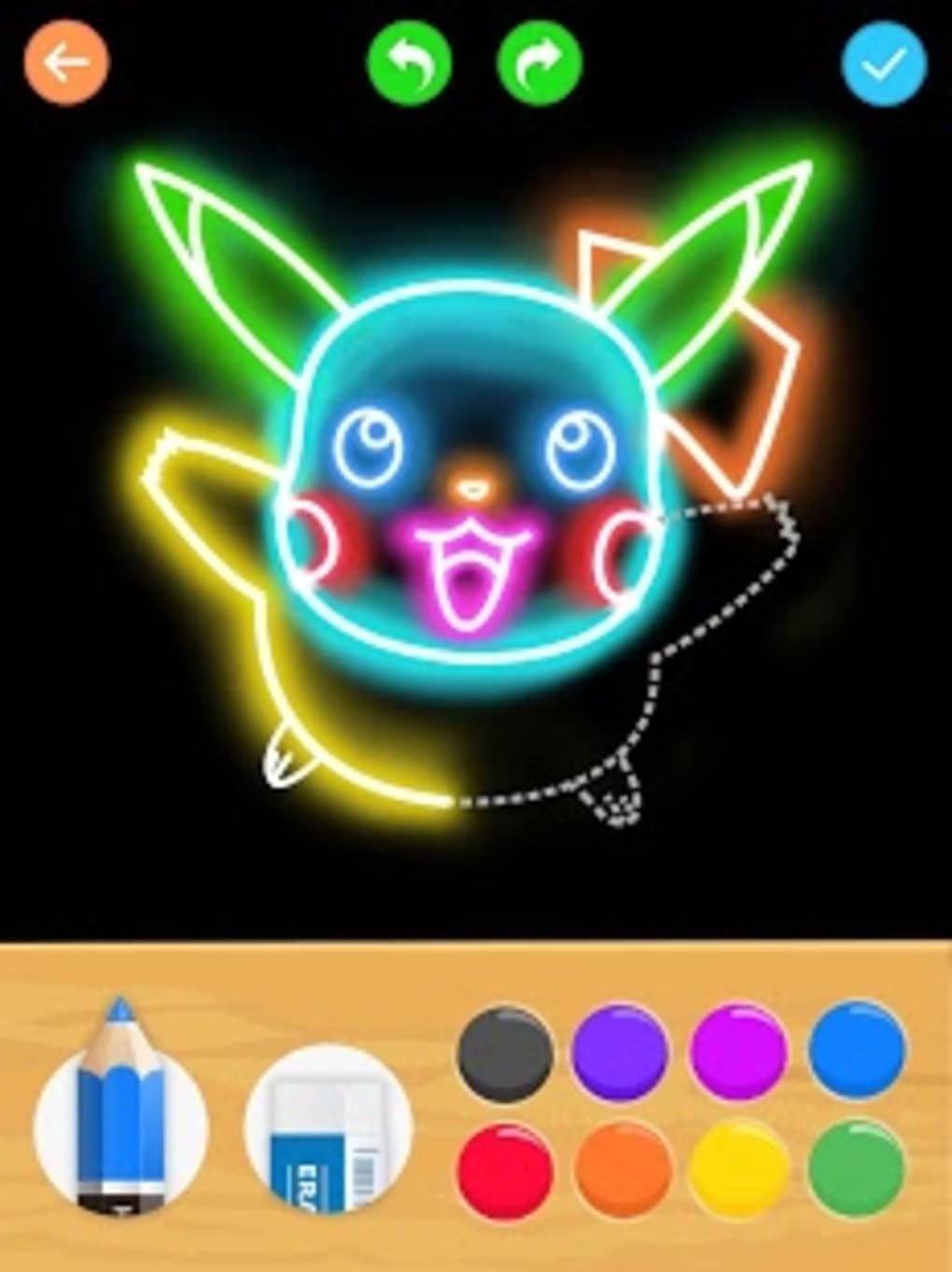
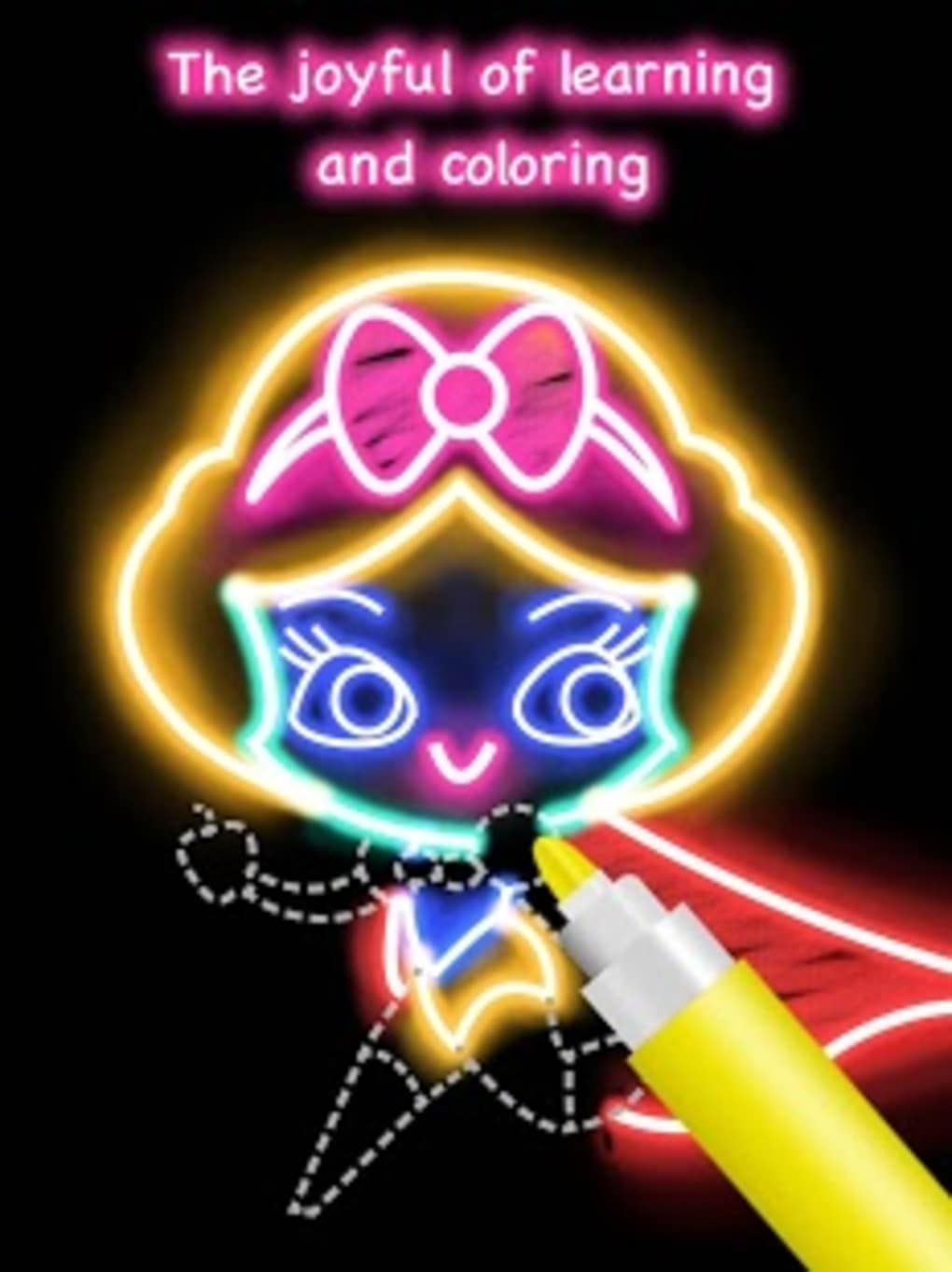
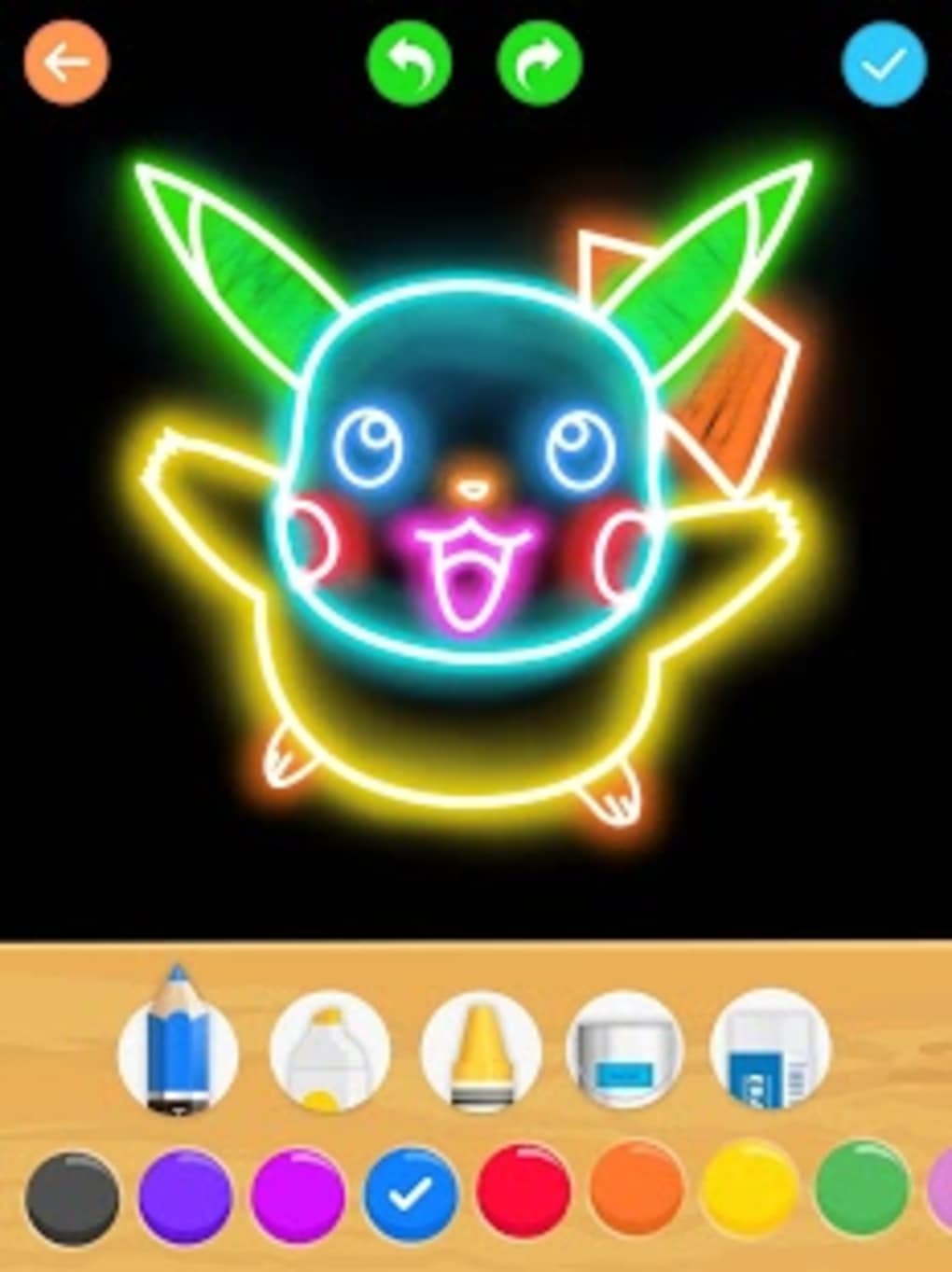
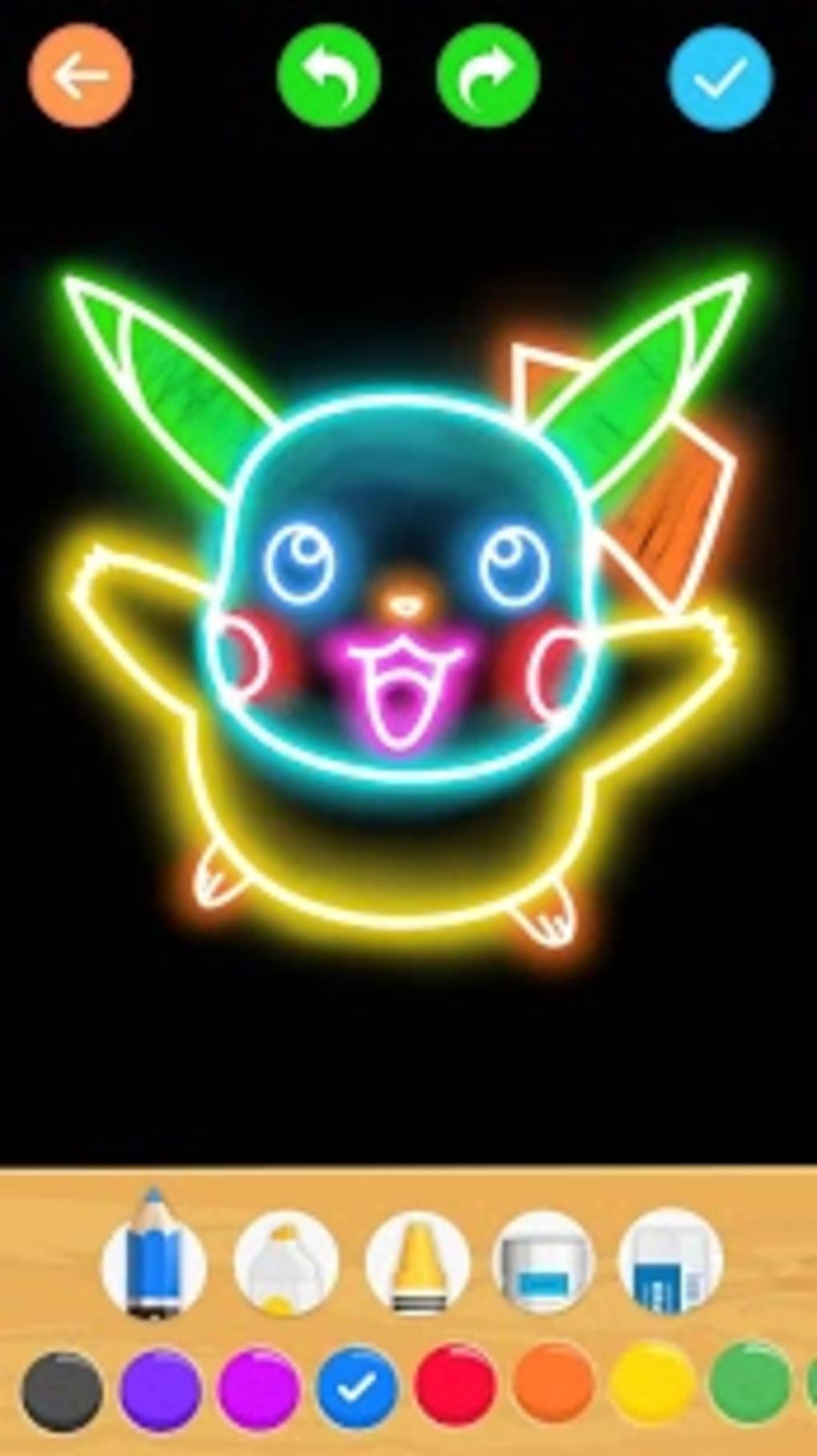
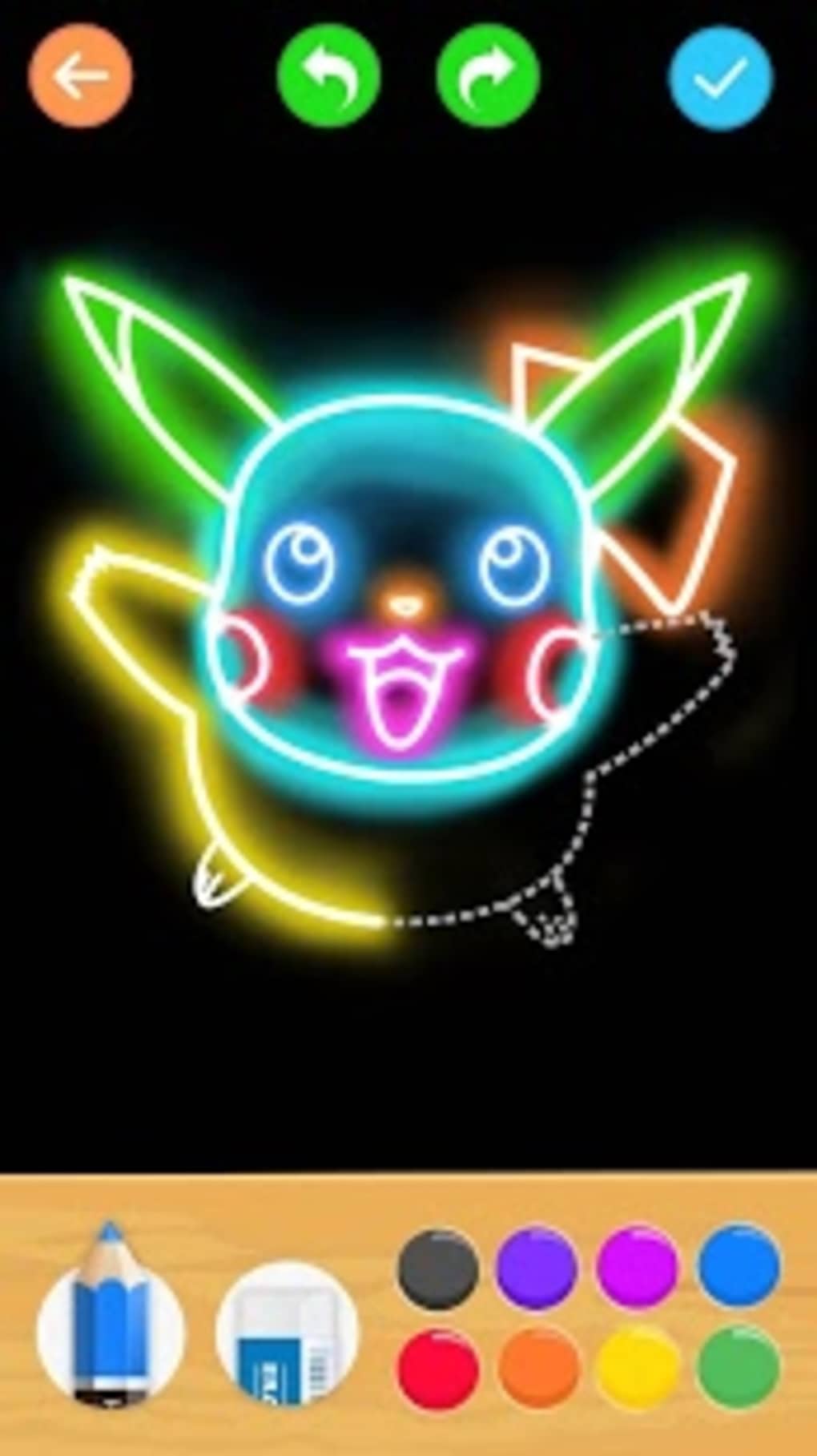
- Glow Brushes: A distinctive feature that allows users to create drawings with glowing effects, enhancing visual appeal and adding a dynamic, artistic flair to their work.
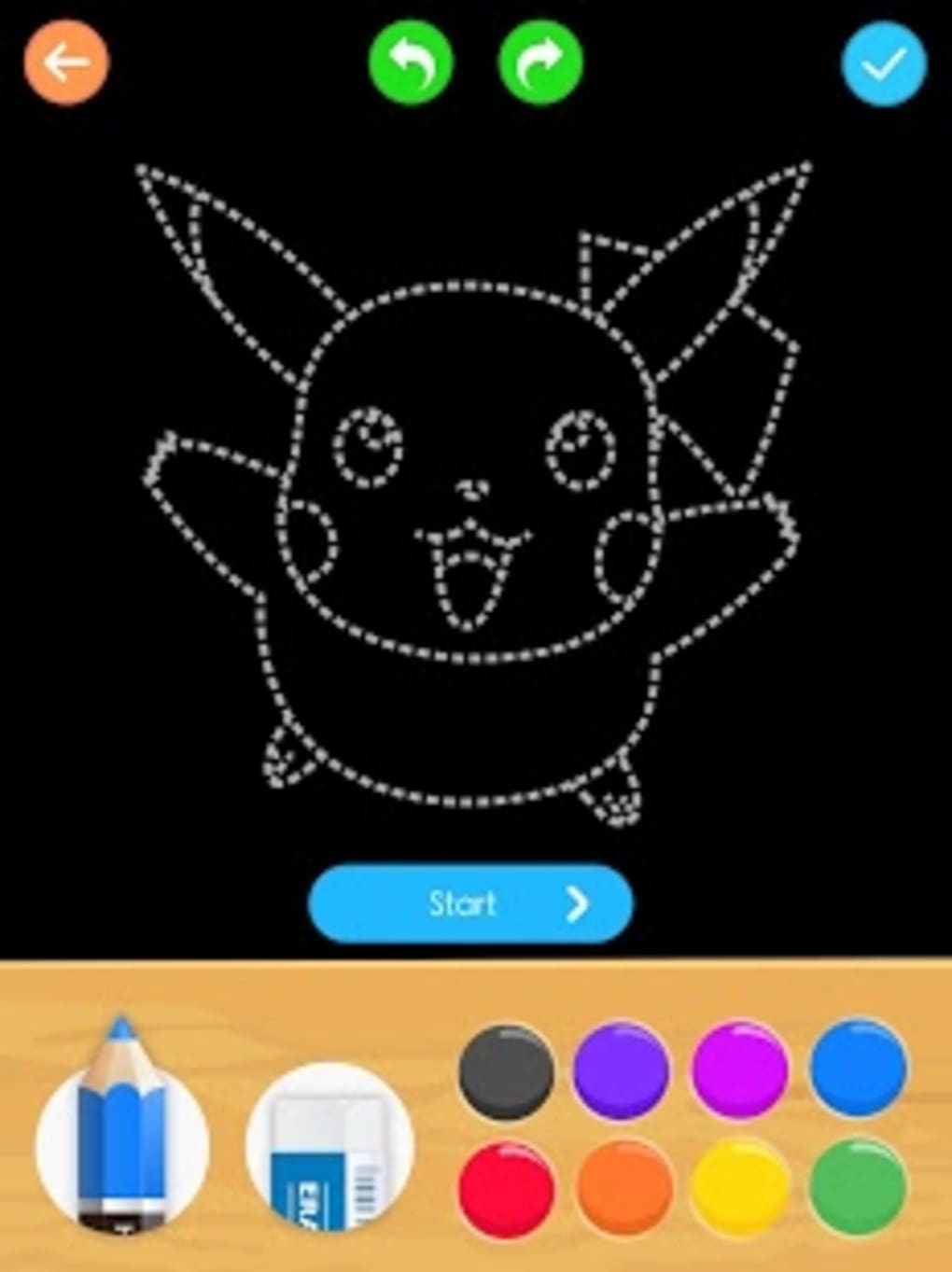
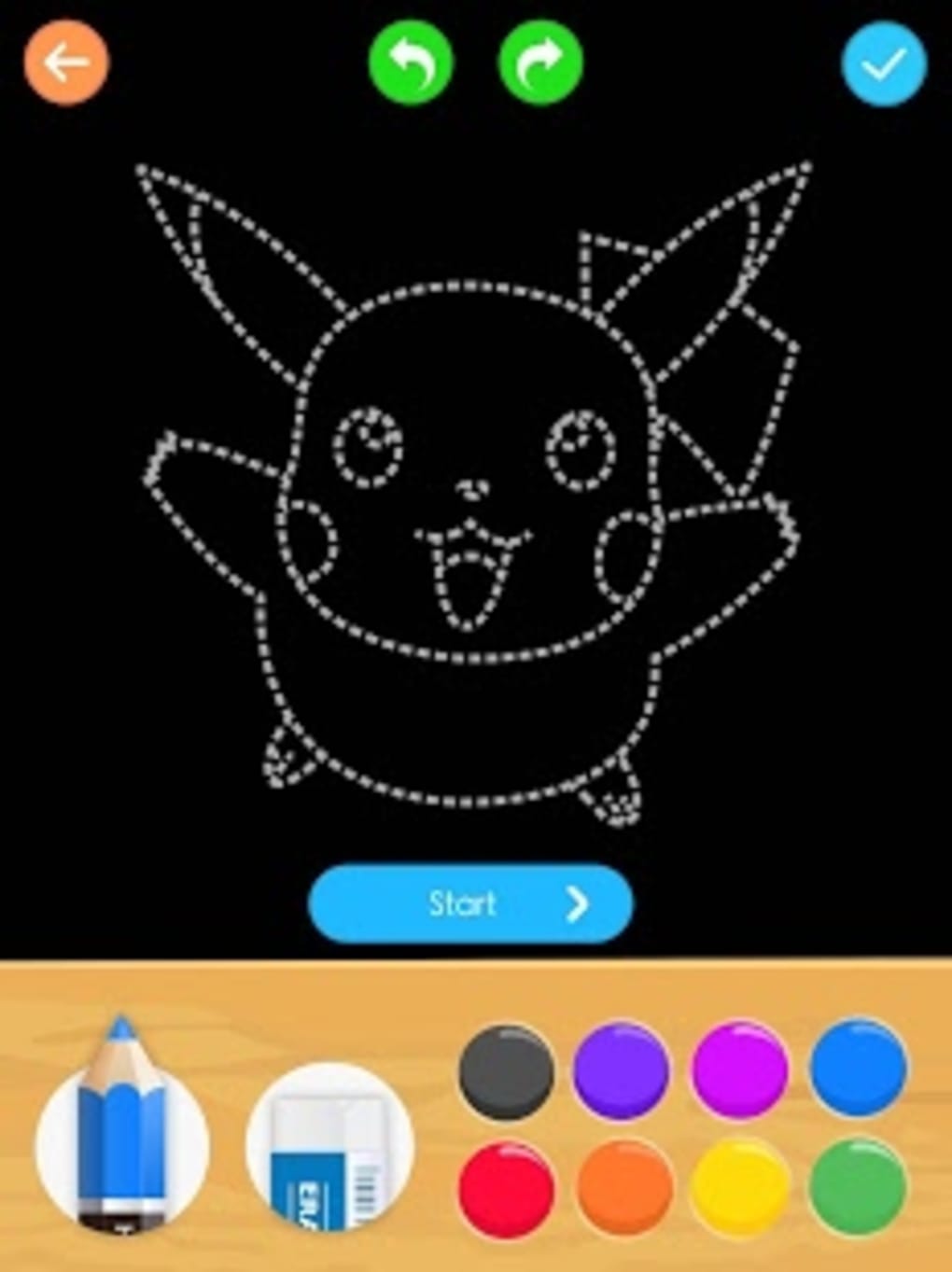
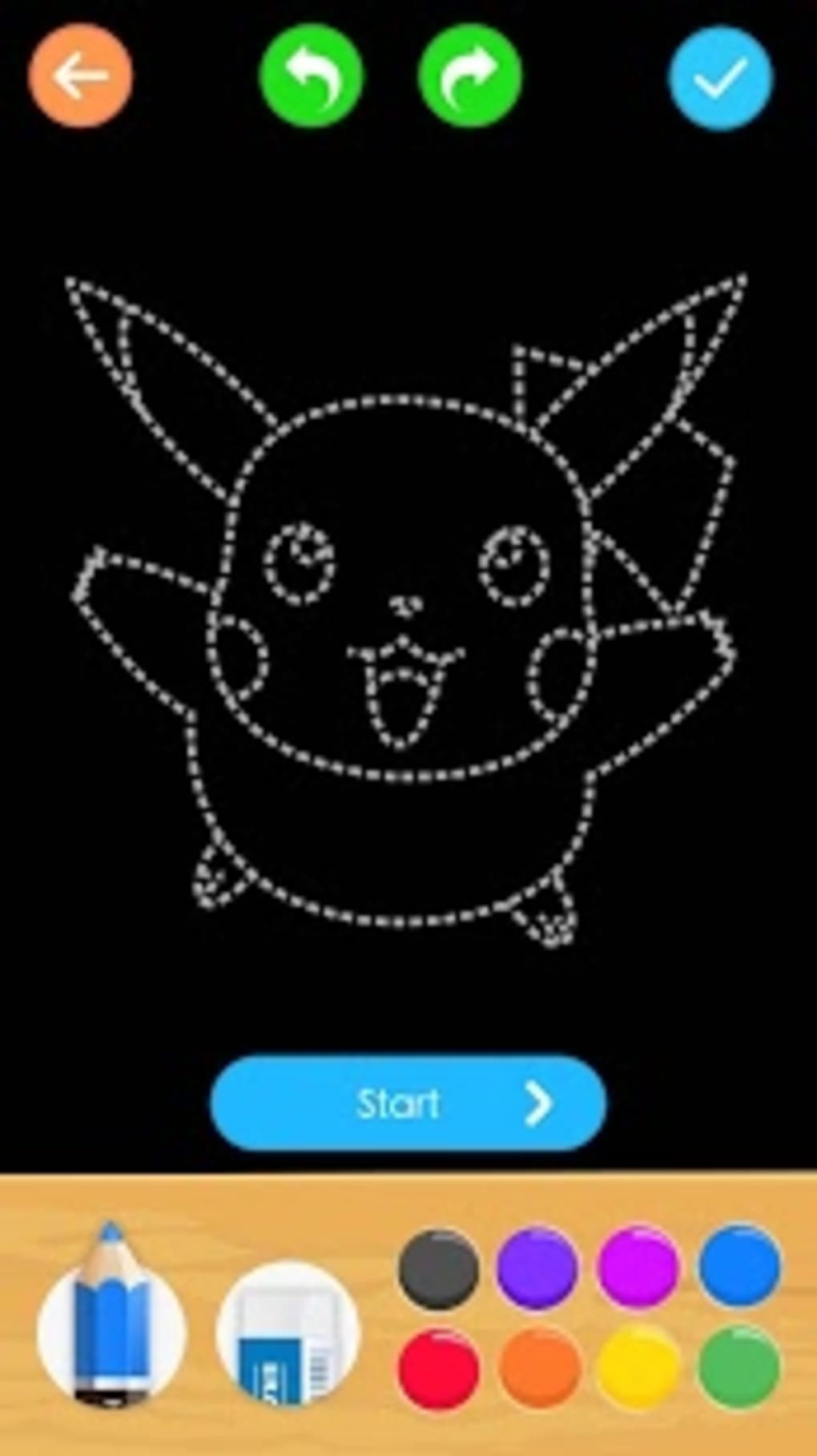
- Pre-Designed Cartoon Templates: The app offers a selection of cartoon and comic-style images that users can draw from, providing a foundation for practice and creativity.
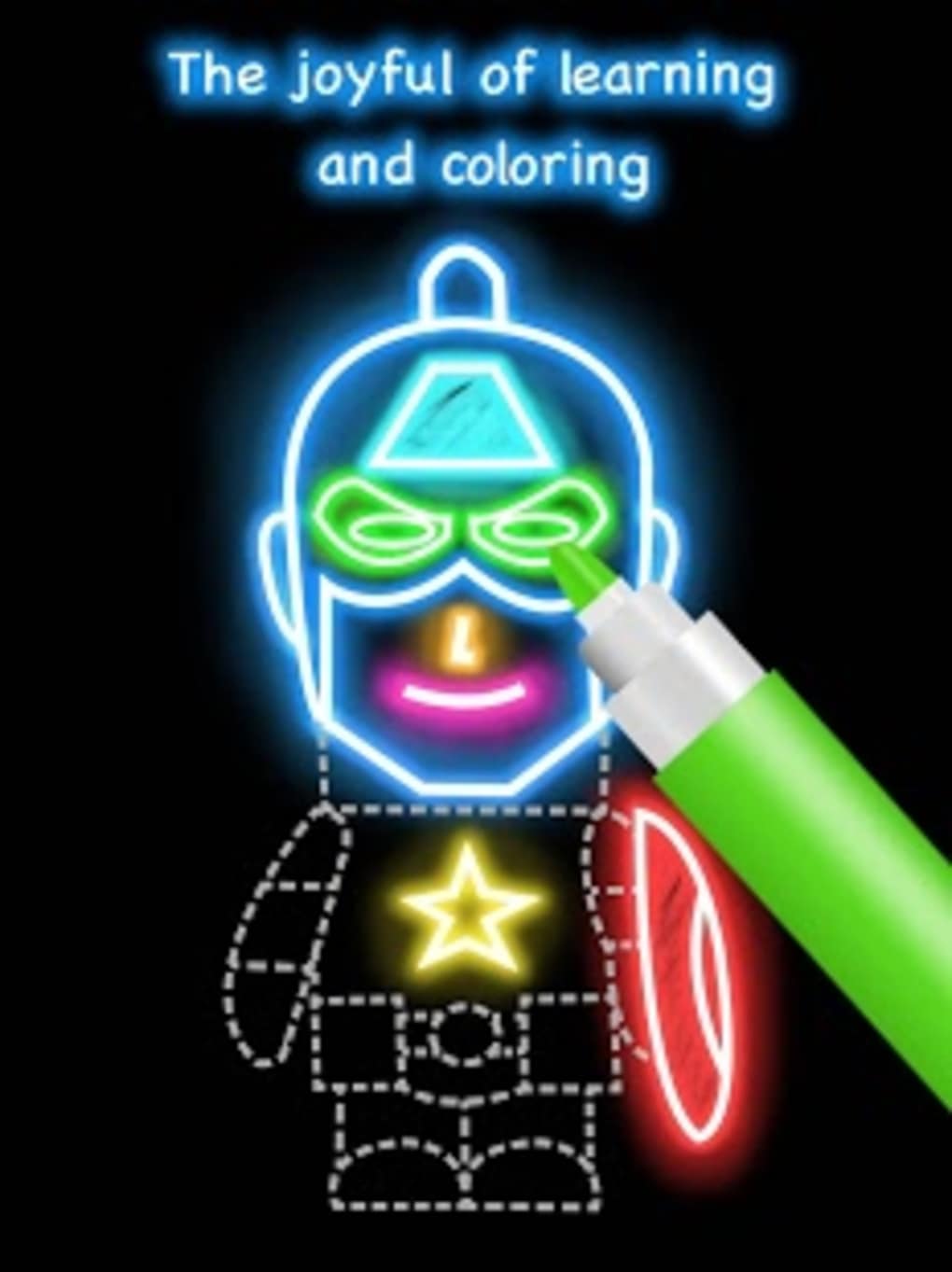
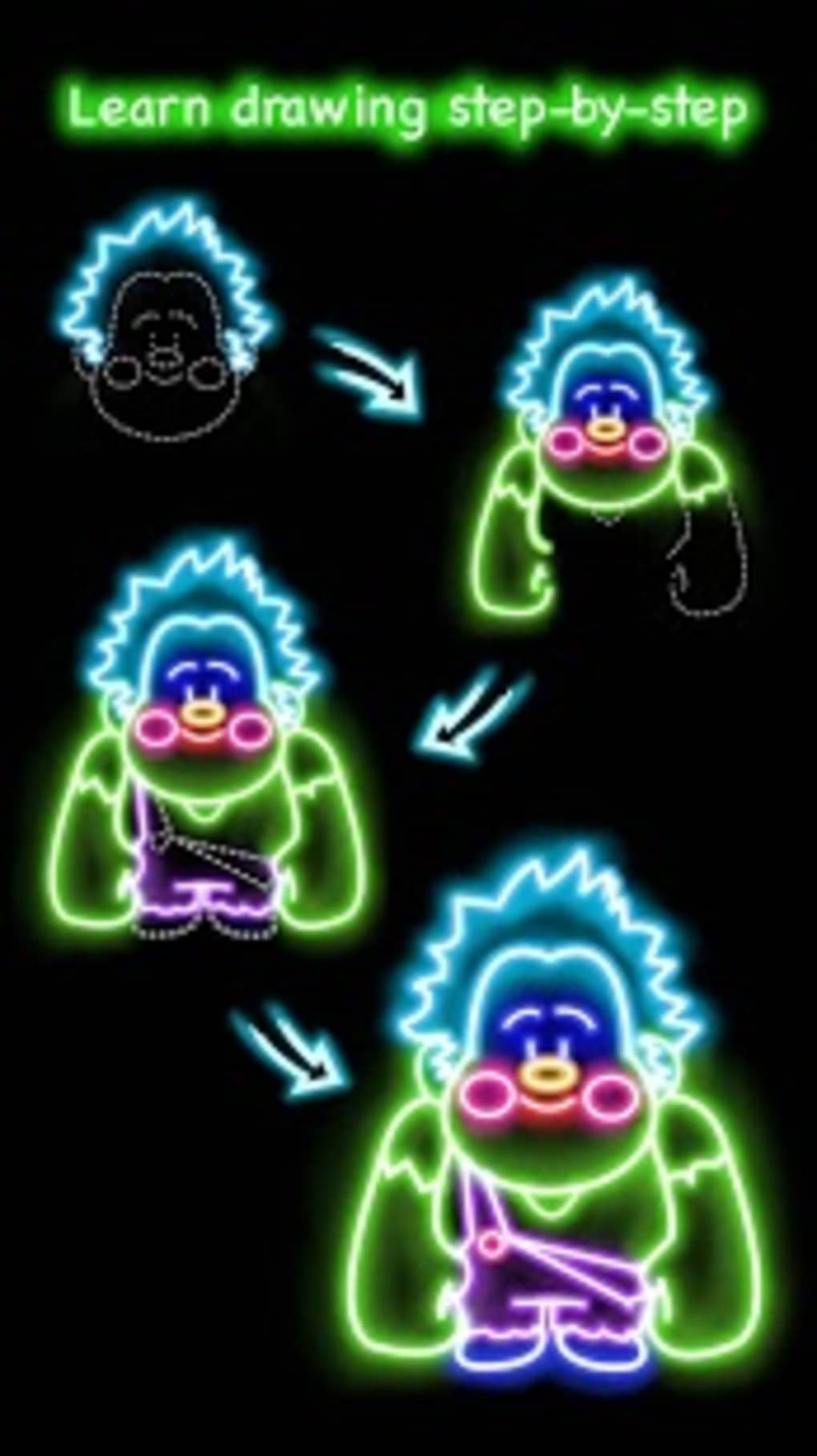
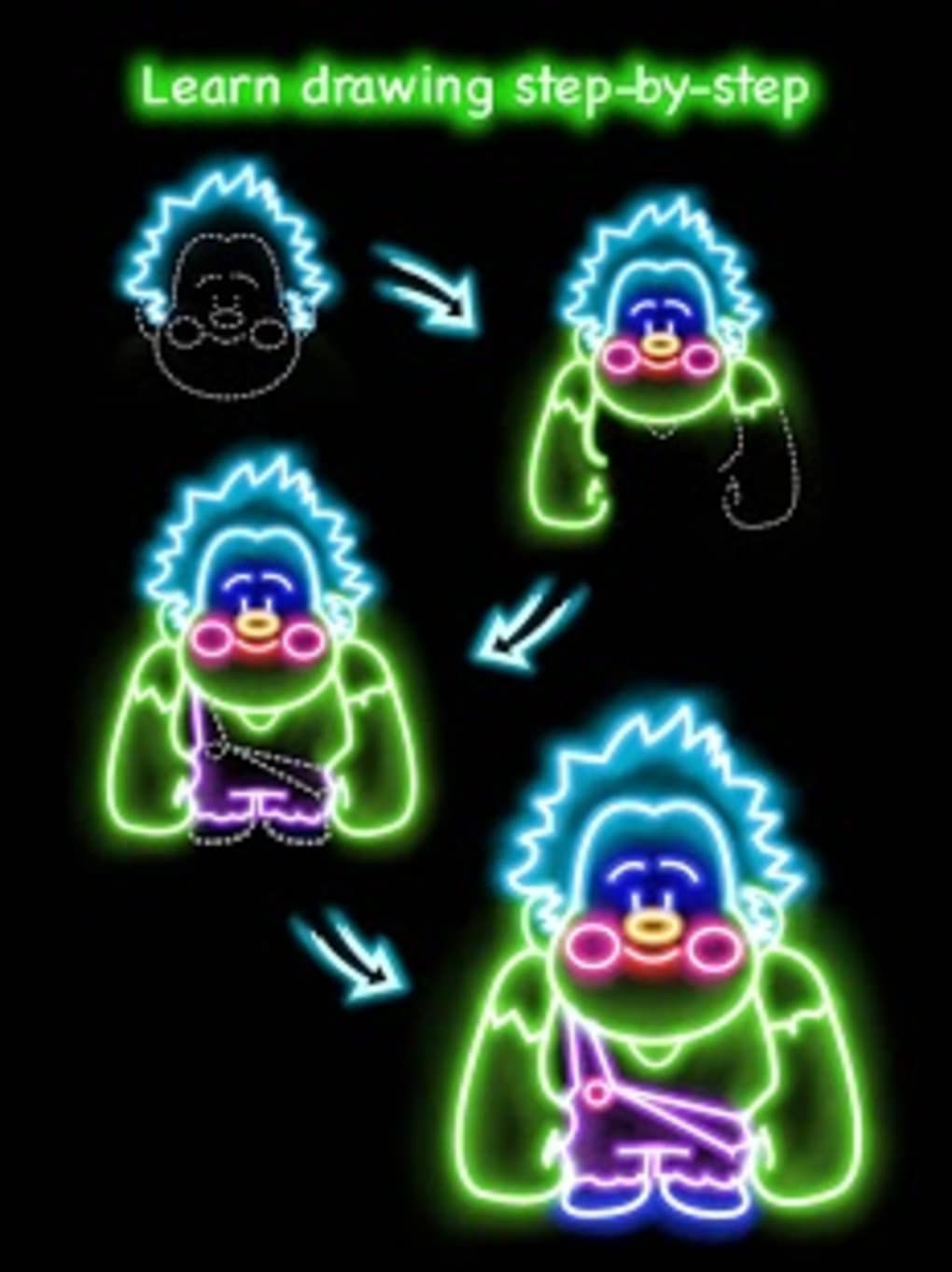
- Step-by-Step Drawing Tutorials: Interactive guides walk users through the process of creating a drawing, breaking down complex shapes into manageable steps for beginners.
- Coloring Tools: Integrated coloring functionality enables users to fill in their drawings with vibrant colors, supporting both freehand and guided coloring.
- Free Access: The application is available at no cost, with no hidden fees or in-app purchases required to access core features.
These features work together to support a structured yet flexible creative process. For example, users can start with a cartoon template, follow the tutorial to sketch the outline, then apply glow brushes and color to complete the piece. This workflow is especially beneficial for those who are new to drawing or want to improve their hand-eye coordination and artistic confidence. The app’s focus on simplicity and visual feedback helps maintain user engagement, making it suitable for short sessions during breaks or longer creative projects. The absence of monetization through ads or paywalls further enhances the user experience, allowing uninterrupted access to tools and content.
User Interface, Workflow & Performance
The user interface of Draw Glow Cartoon APK is designed with simplicity and accessibility in mind, catering to users of all ages. Navigation is intuitive, with a clean layout that organizes tools and templates into clearly labeled sections. The main screen likely features a central canvas area surrounded by toolbars and access points to templates, tutorials, and color palettes. Users can easily switch between drawing, coloring, and tutorial modes without confusion. The workflow follows a logical sequence: select a template → follow the step-by-step guide → apply brushes and colors → save or share the final artwork. This structure reduces friction and supports a smooth creative process. Performance observations are based on general software behavior patterns, as exact performance details were not specified. The app’s file size of 30.5 MB suggests it is lightweight and optimized for mobile devices with moderate storage and processing power. The developer did not specify resource usage details, but the app’s focus on basic drawing and coloring functions indicates efficient operation. Stability appears to be a priority, given the absence of reported issues in the provided information. However, real-world performance may vary depending on device capabilities.
Compatibility & System Requirements
Draw Glow Cartoon APK is designed for Android devices, making it accessible to a wide range of mobile users. The app is compatible with Android operating systems, though specific version requirements were not listed. The installation size is 30.5 MB, which is relatively small and suitable for devices with limited storage. This size suggests the app is optimized for efficient performance and minimal system impact. The developer did not provide detailed hardware requirements, such as RAM or processor specifications. As such, exact system requirements were not listed. Compatibility information was partially provided, indicating that the app is intended for mobile platforms. Users should ensure their device meets basic Android functionality standards to run the application. For optimal experience, it is recommended to use a device with a touchscreen interface and sufficient memory to handle image rendering and drawing operations.
Pros and Cons
Pros
- Free to download and use with no hidden costs
- Includes glow brushes for unique, visually striking artwork
- Offers step-by-step drawing tutorials for beginners
- Provides cartoon and comic templates for practice and inspiration
- Lightweight installation size (30.5 MB)
Cons
- No information on supported Android versions
- Resource usage details (CPU/RAM) not provided
- Limited customization options for brushes or tools
- No mention of cloud saving or sharing features
- Developer background and company details not disclosed
FAQ Section
Is Draw Glow Cartoon APK free to download?
Yes, the app is available at no cost. It does not require payment or in-app purchases to access its core features.
What devices can run Draw Glow Cartoon APK?
The app is designed for Android devices. Specific compatibility details with certain Android versions were not provided.
Is the app safe to use?
As a free app from a known developer, it is considered safe for general use. However, users should download it from trusted sources to avoid modified or malicious versions.
Does the app require an internet connection?
The app functions primarily offline. Drawing and coloring can be done without an internet connection, though updates may require connectivity.
Can I save or share my drawings?
The app likely allows users to save their artwork locally. However, specific sharing options or cloud integration were not mentioned in the provided details.
Final Thoughts
Draw Glow Cartoon APK delivers a fun, accessible way to explore drawing and coloring on Android devices. Its combination of glow brushes, guided tutorials, and pre-designed templates makes it a valuable tool for beginners and casual users alike. The app’s lightweight design and free access enhance its appeal, particularly for those seeking a stress-free creative activity. While some details like system requirements and advanced features remain unspecified, the overall experience appears focused on usability and enjoyment. It is especially well-suited for children and adults who want to unwind with a simple yet engaging art activity. For users looking for a no-cost, beginner-friendly drawing app with a touch of magic through glowing effects, this software offers a compelling option. Download Draw Glow Cartoon APK now and start creating your own artistic masterpieces today.
Guides & Tutorials for Draw Glow Cartoon APK
How to install Draw Glow Cartoon APK
- Click the Preview / Download button above.
- Once redirected, accept the terms and click Install.
- Wait for the Draw Glow Cartoon APK download to finish on your device.
How to use Draw Glow Cartoon APK
This software is primarily used for its core features described above. Open the app after installation to explore its capabilities.
User Reviews for Draw Glow Cartoon APK 0
No reviews found





